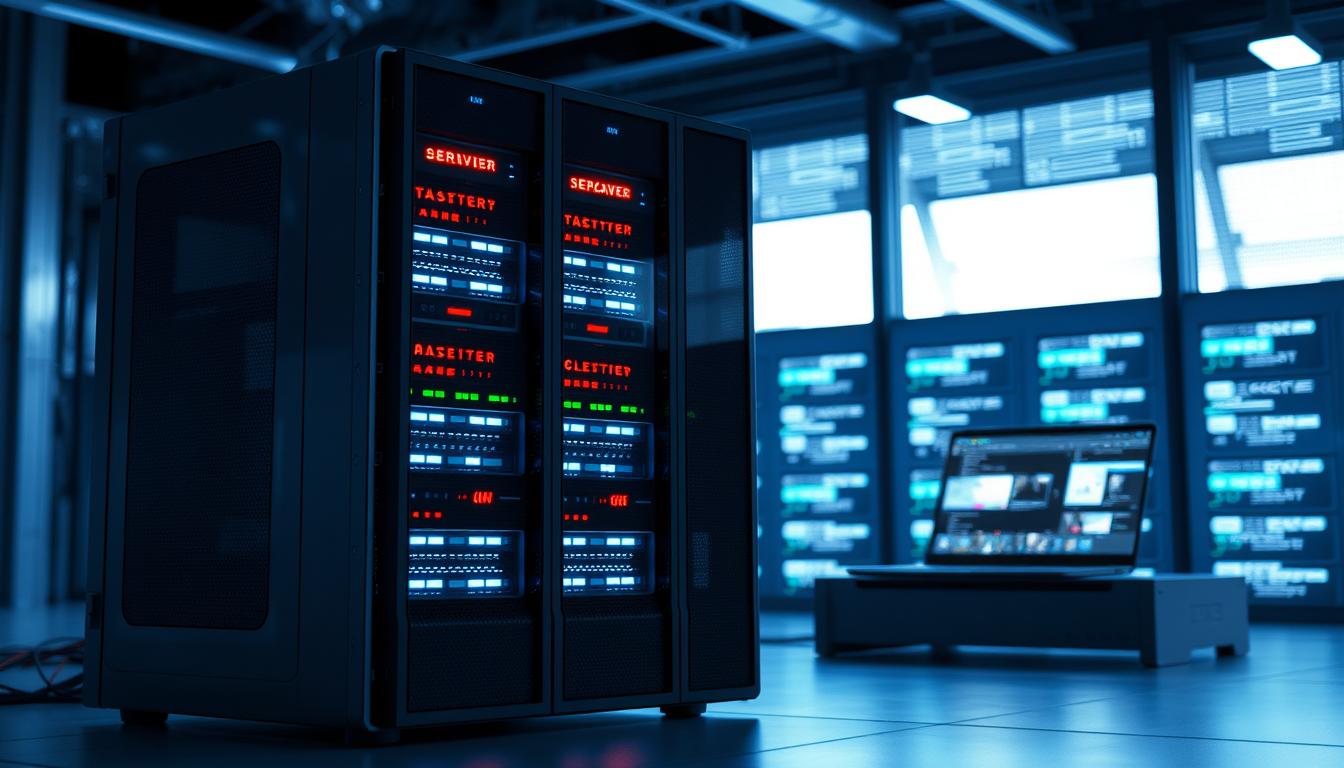
For organizations relying on servers to support continuous operations, making the right selection and ensuring robust maintenance is essential to sustained performance. At PSB GmbH, we understand that servers for enduring use demand specific engineering consideration—be it extended temperature support, reinforced protection against environmental challenges, or seamless integration within industrial and medical infrastructures. Our approach places a premium on resilience and adaptability, with every configuration tailored precisely to the application’s demands. Decades of hands-on development have taught us that reliability is an engineered quality, not a coincidence. We begin each project by analyzing operational requirements in depth and recommending solutions that match both technical and strategic objectives.
What Does “Continuous Server Operation” (24/7) Mean?
A server for continuous operation or a 24/7 server is engineered for uninterrupted operation — day and night, all year round. This concept underpins modern IT infrastructures, from business-critical databases to hosting environments, where any downtime can result in significant losses or operational disruption. The expectation is not just sustained activity but consistent performance, high reliability, and rapid error recovery in the event of hardware or software issues.
The necessity for 24/7 function is especially pronounced in sectors like manufacturing, logistics, scientific research, and cloud computing services. Notably, industrial computers designed for reliability and durability — as discussed in our article Industrial Computer for 24/7 Use: Reliable & Durable — embody these aspirations. Continuous operation servers must efficiently handle varying workloads, respond to peaks in demand, and meet strict security and compliance requirements such as DSGVO (GDPR).
Hardware Requirements for 24/7 Operation
High-Performance and Durable Components
Choosing the right hardware is the cornerstone of continuous server operation. Key requirements include:
- Server-Grade CPUs: Optimized for high-load scenarios, offering stability and error correction capabilities.
- ECC RAM: “Error Correcting Code” memory mitigates random errors, reducing the risk of system crashes during the 24/7 duty cycle.
- Redundant Power Supplies: Multiple power sources to eliminate single points of failure.
- RAID Arrays (Redundant Array of Independent Disks): Data redundancy and improved performance, with options like RAID 1, 5, or 10 commonly used.
- Enterprise SSD/HDD Storage: Servers depend on robust, long-life SSDs or multi-drive HDD backplanes for sustained throughput and reliability.
- Automatic Component Replacement: Hot-swappable drive bays, and proactive hardware monitoring for automatic failure detection and replacement, minimize downtime.
For specialized needs, IP-rated enclosures, such as those discussed in the article IP67 Computer System: Protection for Harsh Environments, may be necessary to guard against dust, moisture, and temperature extremes—especially in industrial or cleanroom settings. For environments requiring utmost cleanliness, refer to Cleanroom-capable PC IP65: Benefits & Selection Tips for further guidance.
Data Center Quality and Reliability Standards
The server’s deployment environment, such as a modern data center, ensures regulated cooling, reliable power, and physical security. The best data centers offer:
- Efficient cooling systems to prevent thermal stress
- Power backup (UPS, generators)
- Multi-layered access control and surveillance
- Fire suppression and disaster preparedness
The synergy of advanced hardware and optimal facility infrastructure supports round-the-clock operation, making hardware selection and Industrial PC Logistics: Applications & Trends 2025 increasingly significant in future-focused industries.
Software and Operating Systems for Continuous Operation
OS Stability and Security
An appropriate operating system (OS) is pivotal for 24/7 reliability. Popular choices for server use include various Linux distributions (such as Ubuntu Server, CentOS, and Debian), as well as Windows Server editions. Essential criteria are:
- Long-Term Support (LTS): Ensures updates, patches, and security improvements for extended periods.
- Kernel Stability: Reduces incidents of crashes, supporting mission-critical uptime requirements.
- Integrated Security: Automatic patching, enhanced firewall management, and regular vulnerability assessments.
Security software, including robust firewalls, intrusion detection systems, and automated attack prevention, must be installed and maintained continuously in the background.
Monitoring and Backup Solutions
Comprehensive monitoring (using tools like Nagios, Zabbix, or Prometheus) is vital for proactive detection of anomalies and rapid troubleshooting. Automated alerts for CPU, memory, storage, and network thresholds enable stand-by action before critical failures occur.
Equally important are regular backups employing incremental, differential, and full strategies. Backups must be tested periodically and stored at secure, often off-site, locations. Efficient backup further guarantees compliance with privacy regulations—vital under DSGVO.
Managed vs. Unmanaged Servers: Advantages and Disadvantages
Managed Server: Outsourcing Administration
Managed servers come with administration, security, and support handled by the hosting provider. This includes:
- 24/7 monitoring and incident response
- Regular updates and patch management
- Automated backup and recovery
- Advanced firewall and anti-DDoS solutions
- Compliance with high privacy standards (e.g., DSGVO/GDPR)
This model allows businesses to focus on core operations and leave technical maintenance to experts. Managed servers particularly benefit small to medium enterprises lacking dedicated IT staff.
For those seeking mobility and robust performance in industrial settings, a Mobile Workstation Industrial is an advanced alternative, combining managed hardware resilience with flexibility.
Unmanaged (Dedicated) Servers: Control vs. Responsibility
Unmanaged dedicated servers offer full administrative access and configurational freedom. They are ideal for organizations with in-house expertise, tailored security policies, and unique deployment needs. Pros and cons include:
- Advantages: Maximum flexibility, custom hardware/software configurations, and direct access for troubleshooting.
- Disadvantages: Resource-intensive; all monitoring, backup, emergency, and patch management responsibilities fall on the user organization. This model requires top-notch IT skills, especially to adhere to DSGVO and guarantee uptime.
When selecting between managed and unmanaged solutions, considerations include internal expertise, compliance needs, and total cost of ownership. For highly regulated or round-the-clock industrial deployments, Industrial Computer for 24/7 Use: Reliable & Durable provides more detail on choosing the best-fit approach.
Practical Checklist: Ensuring Reliable 24/7 Server Operation
- Hardware Selection
- Choose tier-1 components (CPUs, memory, RAID controllers, SSD/HDDs) rated for continuous use.
- Ensure redundant power, cooling, and network connectivity.
- Select certified data center locations with attested uptime records.
- Installation and Configuration
- Correctly configure RAID arrays for balance of performance and data security.
- Set up logical partitioning with consideration for future scaling.
- Install and configure enterprise-grade firewalls.
- Security and Compliance
- Harden operating systems following best practices (least privilege, regular patching).
- Continuous monitoring for unauthorized access or system anomalies.
- Design data processing and storage systems to meet DSGVO (GDPR) requirements.
- Monitoring and Backup
- Implement 24/7 monitoring with real-time alerting for hardware, OS, and application levels.
- Schedule regular, automated backups; include off-site and offline copies for disaster recovery.
- Regularly test backup restoration procedures.
- Maintenance and Support
- Document all procedures and incidents for continuous improvement.
- Arrange for quick-reaction technical support or on-site service (SLAs).
- Review and update system configuration after significant changes or updates.
For a step-by-step guide on industrial implementation, refer to practical practices outlined in Industrial PC Logistics: Applications & Trends 2025.
Common Mistakes and How to Avoid Them
- Underestimating Hardware Wear: Not all components are designed for non-stop operation. Using consumer-grade rather than server-grade SSDs/HDDs hastens failures.
- Neglecting Redundancy: The lack of duplicate critical systems (RAID, power supplies, fans) causes prolonged downtime during malfunctions.
- Inadequate Monitoring: Failing to deploy comprehensive monitoring tools often means problems are detected too late.
- Irregular Backup and Testing: Backups, if not scheduled or regularly tested, may be incomplete or corrupted—risking catastrophic data loss.
- Ignoring Security Updates: Skipping timely patches creates vulnerabilities, especially in publicly accessible services. Automated patching or managed solutions minimize this risk.
- Poor Documentation: Changes lacking documentation impede troubleshooting and maintenance continuity.
- Overlooking Regulatory Requirements: Not aligning system setups and data handling with privacy standards like DSGVO can lead to legal issues and fines.
To learn more about hardware resilience in challenging environments, consider IP67 Computer System: Protection for Harsh Environments which explores practical risk mitigation strategies.
Key Takeaways: What Really Matters for 24/7 Server Operation
Summary Table: Critical Aspects for Continuous Server Operation
| Aspect | Recommendation |
|---|---|
| Hardware Quality | Enterprise-grade, redundant, hot-swappable components |
| Data Protection | RAID, regular verified backups, secure off-site storage |
| Security | Ongoing patch management, advanced firewalls, intrusion prevention |
| Monitoring | Automated 24/7 hardware and service monitoring |
| Compliance | Systematic application of DSGVO and other regulations |
| Support | Clear processes, on-call expertise, quick component replacement |
| Scalability | Configuration accommodates future growth and changes |
The decision between managed and unmanaged servers depends on available expertise, the need for flexibility, and the preference for service guarantees. For businesses requiring certified environments and rapid support, managed services are often advantageous, while tech-savvy teams may benefit from the control of dedicated systems. Regardless of setup, prioritizing reliability, security, and compliance — as discussed throughout this article — ensures smooth 24/7 server operation powering modern digital business.
The selection and upkeep of servers designed for long-term use are critical for operational continuity and minimizing downtime across demanding environments. Drawing on over 30 years of experience, PSB GmbH ensures both the initial hardware choice and the entire maintenance cycle are managed with technical rigor and foresight. Our commitment to burn-in testing and stringent quality controls means each system delivers stable service even under extreme loads. Customers benefit from our focus on durability and serviceability throughout the product lifecycle. Looking ahead, our team remains dedicated to innovating and supporting dependable server solutions that fully align with our clients’ evolving requirements.