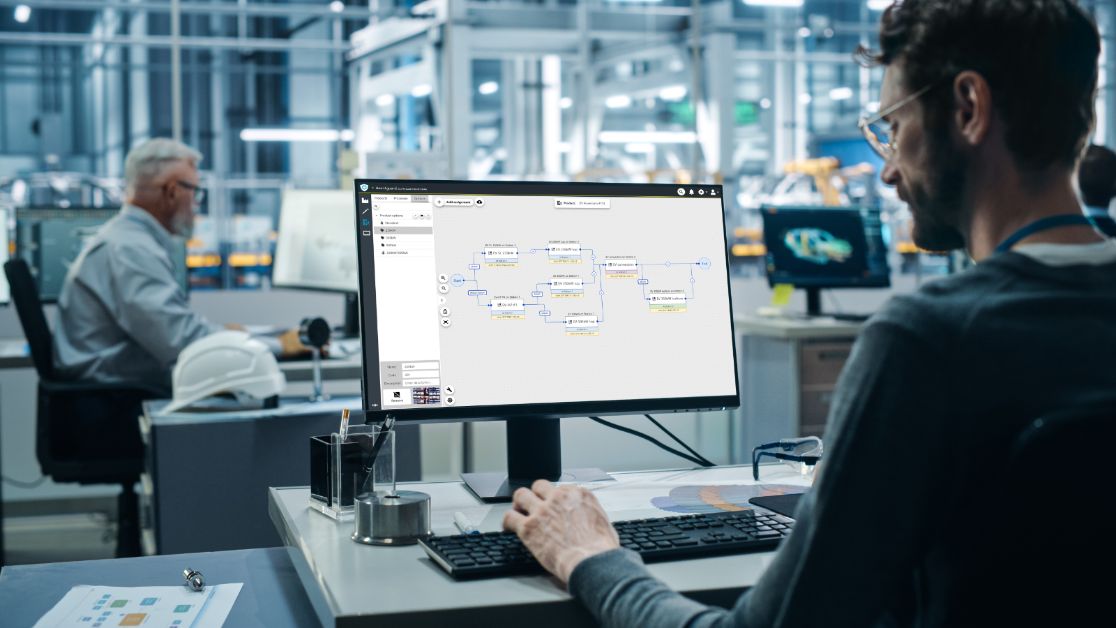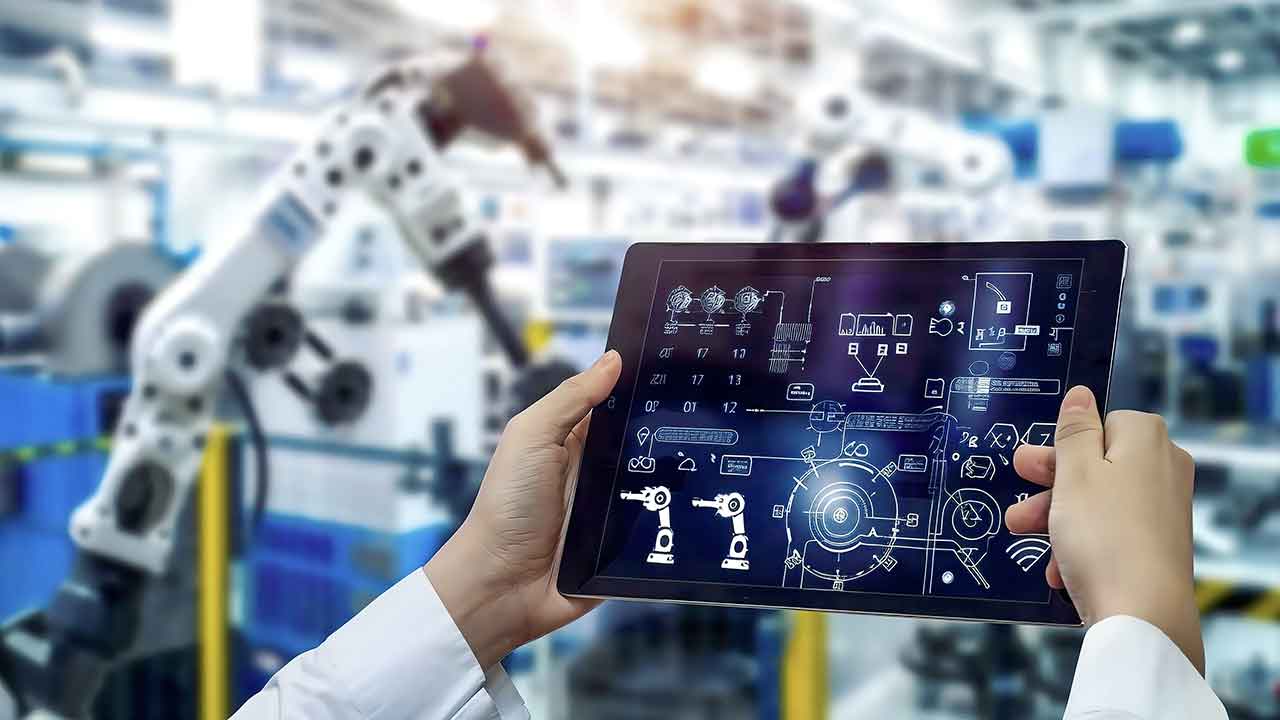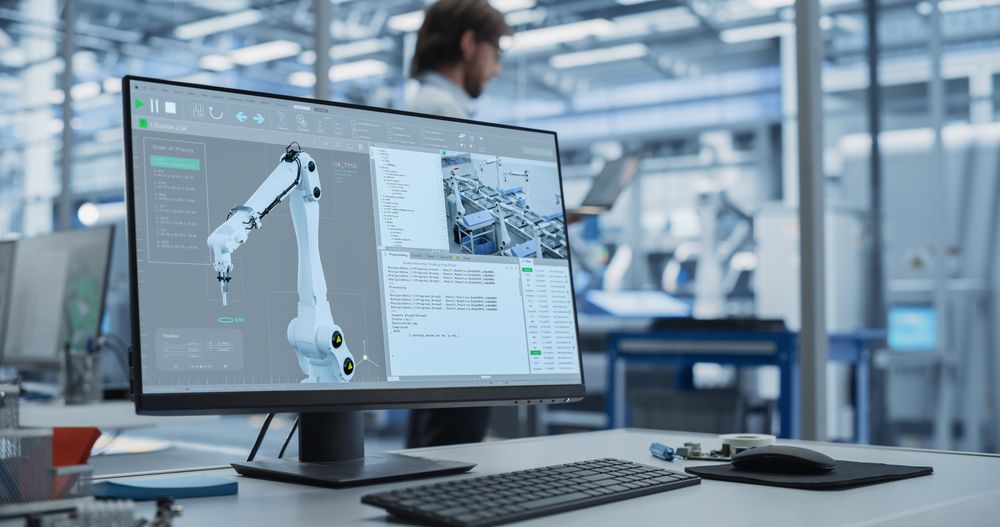
At PSB GmbH, we recognize the significant role that industrial PCs equipped with touch screens play in advancing automation technologies across a range of industries. With more than three decades of experience in engineering PC-based solutions for highly demanding environments, our team approaches each project with a focus on combining innovation with practical functionality. Touch-enabled interfaces streamline complex processes, allowing users in industrial and medical settings to interact intuitively and efficiently with systems, even under challenging conditions. Our development philosophy prioritizes robust design elements such as IP65 protection, extended temperature tolerance, and advanced filtering, ensuring reliable performance where it matters most. By tailoring each system to specific application needs, we continually refine our solutions to match evolving operational requirements. Every step—from prototype to serial production—is guided by our commitment to quality, flexibility, and customer collaboration.
What is an Industrial PC with Touchscreen?
An industrial PC with touchscreen is a specialized computing device designed to withstand harsh industrial environments while providing intuitive, touch-based user interaction. Unlike standard office computers, Panel-PCs used in industry are robust, reliable, and can endure extreme temperatures, dust, moisture, and high mechanical stress. They are often implemented as HMI (Human Machine Interface) systems, making them central to modern automation and IoT setups in factories, logistics, medical, and food processing environments.
These systems integrate a display (7–55 inches), processing unit (e.g., Intel Core, Celeron, or Pentium), and are engineered for long-term, fanless operation. Typical variants include the IP65 Panel-PC for general industrial use, as well as models offering higher protection such as IP69K for demanding sectors. The flexibility of these computers, enhanced by multi-touch capabilities and compatibility with various operating systems like Windows and Linux, make them ideal for both standard and custom industrial applications.
Benefits and Application Areas of Industrial Touch PCs
Investing in a Panel-PC Industrie provides several direct advantages, especially for enterprises requiring reliability and precision in harsh environments. These robust industrial PCs are engineered to be long-lasting and need minimal maintenance, greatly reducing downtime and increasing productivity.
- Industrial Automation: Key for controlling machinery, visualizing processes, and supporting real-time decision-making. For a deeper dive into automation-specific features, visit our comprehensive guide on 24/7 Automation PC features and buying guide.
- Pharmaceutical & Food Industries: Equipped with stainless steel housings, meeting strict hygiene and sterilization requirements. Explore how sterile PCs support pharmaceutical industry challenges.
- Medical Sector: Used in mobile workstations or cleanroom applications due to their silent operation and EMC certification. You can learn more on medical workstations.
- Noise-Sensitive Environments: Fanless, silent designs make these PCs suitable even where noise minimization is crucial. For silent operation, refer to PCs for noise-sensitive environments.
- Extreme Industrial Settings: Resistant to shocks, high humidity, extreme temperatures — ensuring reliable HMI operation where consumer devices would fail.
The broad range of available display sizes and mounting choices (including VESA and panel mounting) ensures optimal integration into industrial control panels or machine housings.
Touch Technologies Compared: Capacitive vs. Resistive
The heart of a Touch Panel PC is its touchscreen. Two primary technologies dominate in industrial usage: capacitive and resistive touchscreens. Each has unique strengths and is suited to different application scenarios.
Capacitive Touchscreen
- Delivers a modern, glass-like surface with robust multi-touch capability (gestures like zoom and swipe).
- Enables intuitive operation, similar to smartphones and tablets.
- Excellent light transmission and color clarity.
- Typically supports gloved fingertips (depending on model) — ideal for operators working with protective equipment.
- Best suited for clean, dry, or moderately humid environments.
For industrial environments demanding ultra-hygienic, easily cleanable HMIs, capacitive touch is often paired with stainless steel housings and high protection classes (IP65, IP69K).
Resistive Touchscreen
- Based on pressure sensitivity, allowing operation with any pointed object — gloves, styluses, or bare hands.
- Can be reliably used even in wet or dirty conditions, making them ideal for food processing or heavy industry.
- Slightly less light transmission compared to capacitive screens, but highly durable and forgiving of contaminants.
- Limited to single-touch operation (no multi-touch gestures).
Many projects combine both technologies in their industrial PC configuration, selecting based on the specific operational context.
Technical Features and Protection Classes
Industrial PCs stand out due to their rich set of technical features and compliance with strict industrial standards. Key technical characteristics include:
- Display Size: Available in a wide spectrum from compact 7″ up to 55” displays to fit various control panels and monitoring stations.
- Protection Class: Encased for dust-/water-resistance with ratings up to IP69K for washdown and sterile zones; IP65 Panel-PCs are standard in most industrial settings.
- Temperature Range: Designed to operate from -20°C up to +60°C and beyond, ensuring reliability even in freezing or high-temperature environments.
- Enclosure: Rugged stainless steel or aluminum housings guarantee long-term corrosion resistance and chemical stability.
- Fanless Design: Passive cooling reduces dust ingress and noise, prolonging component life.
- Processors: Latest Intel Core, Celeron, or Pentium CPUs tailored to the application’s performance needs.
- Hygienic Design: Sealed enclosures, flush surfaces and rounded edges to meet stringent requirements in food and pharma industries. For more details on compliance and validation, see EMC certified hardware requirements.
Technical Comparison Table
| Model Example | Display Size | Touch Type | Protection Class | Processor | Operating Temp. | Interfaces |
|---|---|---|---|---|---|---|
| Panel-PC Basic | 15″ | Capacitive | IP65 | Celeron | -10° to +50°C | RS485, HDMI |
| Panel-PC Hygienic | 21” | Capacitive (multi-touch) | IP69K | Core i5 | -20° to +60°C | CAN, HDMI |
| Panel-PC Rugged | 10.4” | Resistive | IP65 | Pentium | -20° to +60°C | RS485, CAN |
Mounting Options and Integration in Industrial Environments
Effective integration depends not only on technical features, but also on how well the PC can be mounted and serviced within its destination environment.
- VESA Mounting: Standardized brackets for flexible installation on walls, arms, or machine frames. Allows easy repositioning and maintenance.
- Flush/Panel Mounting: Designed for seamless installation in control panels (Schaltschrank), ideal for operations demanding a contamination-free, streamlined operator interface.
- Cabinet/Enclosure Mounting: For environments with space constraints or specific security needs.
The diversity of mounting systems ensures that both standard and highly customized applications can be accommodated for maximum productivity and ergonomics.
Connectivity and Expansion Options
Modern industrial PCs with touchscreen offer extensive connectivity and configuration capabilities, supporting both classic industrial protocols and modern digital I/O.
- Serial Interfaces: RS485, RS232 for legacy communication with PLCs and other machinery.
- Fieldbus Options: Integrated CAN-bus interfaces for real-time industrial networking.
- Modern Digital Connectivity: Multiple USB, HDMI, DisplayPort, and Ethernet ports for peripheral expansion and data exchange.
- Wireless (optional): Wi-Fi, Bluetooth and cellular options for IoT applications.
- Operating System Choices: Most units support your choice of Windows or Linux, allowing seamless integration into existing control system architectures.
Many manufacturers provide tailored industrial PC configurations to fit unique project requirements, from extra RAM or SSDs, to additional I/O for machine control, or application-specific hardware modules.
Selection Criteria: What Should You Consider?
When choosing the optimal touch panel PC for your automation project, it is essential to evaluate the following criteria:
- Application Environment: Assess exposure to water, chemicals, dust, temperature extremes, and mechanical stress.
- Mounting Requirements: Determine if you need VESA, flush, or enclosure mounting. For sectors requiring silent operation, noise-sensitive models may be advantageous, detailed further in our PC for noise-sensitive environments article.
- Touch Technology: Does your workflow require gloved operation or frequent cleaning? Choose between capacitive (multi-touch, intuitive) and resistive (rugged, workglove-usable).
- Performance: Match processor power (Core, Celeron, Pentium) to your software needs.
- Display Size: Consider available space and need for visual clarity.
- Expansion Needs: Would additional I/O, wireless connectivity, or software integration be beneficial?
- Industry Standards: Confirm all hardware meets sector-specific certifications such as EMC, hygiene, and safety requirements. For further information, see our article on EMC certified hardware.
- Service and Support: Ensure the supplier offers technical support and service contracts to maximize uptime and investment security.
FAQ: Frequently Asked Questions on Industrial PCs with Touchscreen
- What is the difference between a capacitive and resistive touchscreen?
Capacitive touchscreens provide intuitive, multi-touch control similar to smartphones, even with certain gloves. Resistive screens, on the other hand, register input from any pointed object and are reliable in wet, dirty or gloved environments – but do not support gestures. - How does IP protection class affect usage?
IP ratings (e.g., IP65, IP69K) define resistance to dust and water ingress. In environments with frequent washdowns or splashing, higher protection (IP69K) is mandated – especially in food or pharmaceutical sectors. See sterile PC options for such requirements in our pharmaceutical PCs guide. - Are industrial PCs suitable for outdoor use?
With the correct housing and high protection class, they withstand rain, dust, UV radiation, and extreme temperatures. - Can I retrofit existing machines with a touch panel PC?
Yes, with VESA or flush-mount options, most existing systems can be upgraded, enhancing operational efficiency and future proofing automation workflows. - What operating systems are supported?
Common options include various Linux distributions and Microsoft Windows, allowing easy software integration. - Can I customize my industrial PC?
Yes, most vendors offer tailored configurations—choose CPU, memory, interfaces, software image, enclosure material, and even branding to match your exact requirements.
The integration of touch screen technology into industrial PCs is driving new levels of efficiency and control in automated environments. Through our extensive in-house development resources and robust manufacturing capabilities, PSB GmbH delivers durable, serviceable systems that thrive in extreme operating conditions. Our customers benefit from dedicated support, manufacturer-neutral system optimization, and thorough burn-in testing that safeguards long-term reliability. Decades of specialized experience enable us to anticipate and address the unique challenges faced by our partners in automation. As automation continues to shape the future of industry, we remain committed to engineering solutions that not only meet present needs but also pave the way for sustained innovation and operational excellence.