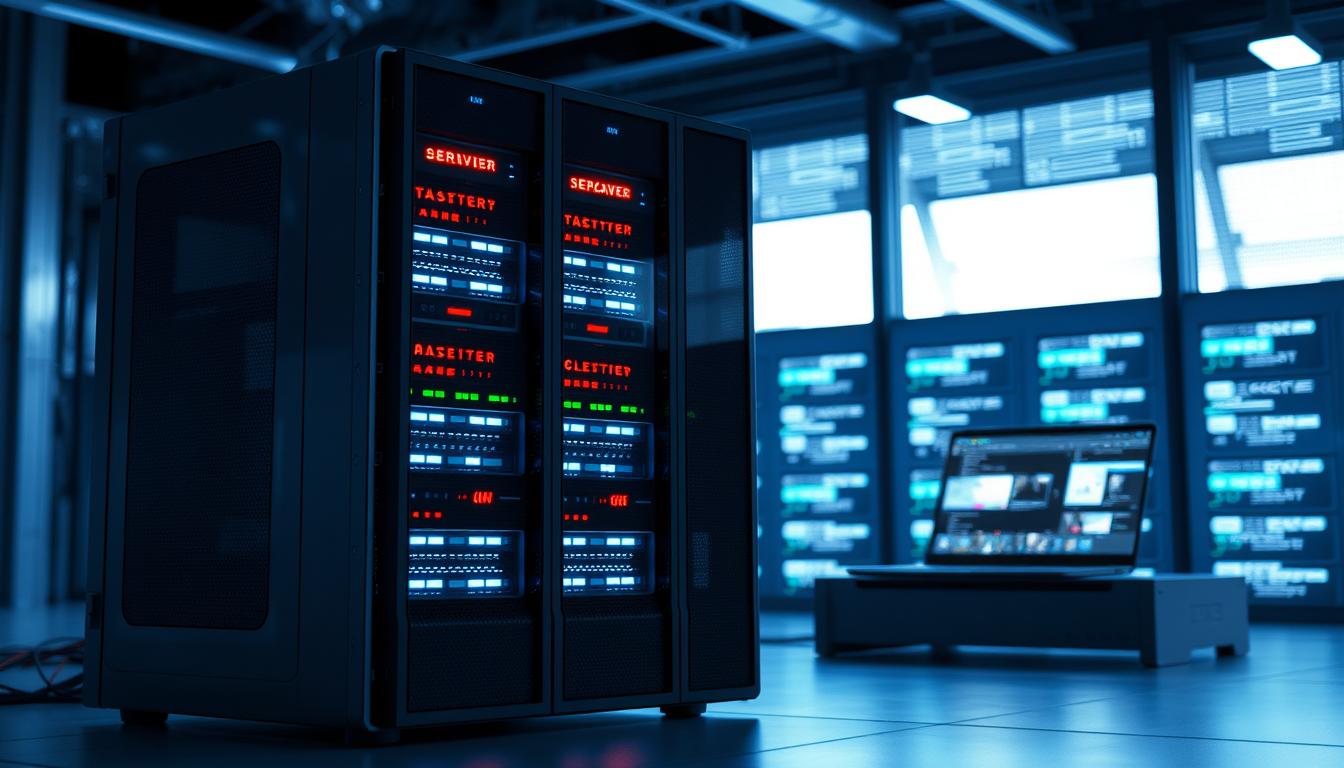
At PSB GmbH, we recognize that workstations designed for 24-hour operation must meet stringent technical and operational criteria. Such continuous-use environments demand robust hardware, efficient cooling solutions, advanced system monitoring, and sustained performance durability. With decades of engineering experience in PC-based solutions for industrial and medical settings, we approach each project with a commitment to both reliability and precision. Our teams thoroughly assess requirements such as thermal management, component longevity, power supply stability, and resilience to demanding environmental factors. By applying a manufacturer-neutral and custom-oriented methodology, we ensure that every workstation is optimally specified for around-the-clock operation. This focus allows our clients to achieve uninterrupted productivity with systems tailored to their unique needs.
What Does 24/7 Operation Mean?
The term 24/7 operation refers to a system running continuously, 24 hours a day, 7 days a week, often without interruption for years on end. In the context of a Workstation 24h Betrieb (24h Workstation operation), this means not only the hardware, but also the software and network connectivity must guarantee reliability and stability. Typical scenarios for 24/7 Workstations include data centers, industrial automation, medical applications, server virtualization, and real-time monitoring systems.
Because the demands for a 24/7 Workstation are markedly higher than for consumer-grade PCs, such systems must be specifically engineered with high-quality and robust components. For example, server-grade ECC-RAM minimizes errors in memory processing, and redundant power supplies or RAID systems ensure data integrity and system availability even in case of hardware failure. Users expect fail-safe, continuous operation that supports critical processes and minimizes costly downtimes.
Typical Application Areas for Workstations in Continuous Operation
There are several domains in which 24/7 or Dauerbetrieb PC setups are critical. Here is a comparative overview of the most common fields:
- Industrial Automation & Control: Real-time data processing and machine control require reliable industrial computers for 24/7 use designed for harsh conditions.
- Office & Business Environments: In finance, research or engineering, mobile workstation industrial systems provide uninterrupted access to demanding applications and support round-the-clock processing.
- Virtualization Servers: Hosting multiple virtual machines (VMs) demands high performance and VM-Betrieb reliability to support resource-intensive workflows.
- Digital Signage: Advertising displays and information terminals rely on mini-PCs and business PCs capable of continuous playback and updating.
- Pharmaceutical & Medical Fields: In areas such as the pharmaceutical industry, sterile PCs are essential for compliance and uninterrupted patient care environments.
- Remote & Edge Locations: Rugged and fanless industrial panel PCs offer silent, dust-proof, and reliable continuous operation in distributed installations or harsh climates.
Key Hardware Requirements for 24h Workstations
Choosing the right hardware is the foundation for a truly ausfallsichere Workstation (fail-safe workstation). Here are the primary components to focus on:
- CPU Cores & Performance: Multi-core processors with proven long-term stability are crucial, especially for virtualization and multitasking.
- ECC RAM: Error-Correcting Code RAM protects against memory errors, essential for server-class reliability.
- RAID Storage: Hardware RAID arrays using SSDs or HDDs protect data integrity and allow drive replacements without downtime.
- SSD/HDD: Enterprise-grade drives with high write endurance and firmware optimized for 24/7 workloads.
- Stromsparende Komponenten: Components optimized for low power draw support energieeffizienter Dauerbetrieb (efficient continuous operation), reducing costs and heat.
- Passive Cooling or Industrial Fans: Depending on the environment, fanless industrial PCs may be preferred, as they eliminate moving parts and are ideal for dust-prone areas.
- Redundant Power Supplies: Minimize risk of data loss from power failures.
- Monitoring Features: Remote diagnostics and system monitoring catch issues before they cause outages.
It is also important to consider the specific system type97for example, industrial PCs are better suited for vibration, extreme temperatures or humidity than consumer or standard business PCs. For further insight into such systems, see our article about reliable industrial computers.
Energy Efficiency and Cooling: What to Look For?
24/7 operation means that every watt of power matters. Stromverbrauch (power consumption) directly affects operational costs and system longevity. Energieeffiziente Workstations leverage:
- Low-power CPUs and chipsets to reduce baseline consumption without sacrificing performance.
- Efficient power supplies (80 PLUS certified) for minimal losses
- SSD storage, which consumes less energy and is more durable than HDD in random IO environments.
- Passive cooling or optimized fan curves. Fanless panel PCs use robust heat sinks, ideal for silent and dust-resistant usage.
Maintaining an optimal operating temperature is critical. Prolonged exposure to heat is a leading cause of early hardware failure. Systems employing passive Kühlung (passive cooling) avoid dust intake and mechanical wear, lowering maintenance requirements. For specific energy-efficient solutions, discover our overview of reliable & robust fanless PCs.
Reliability and Fail-Safe Design: Service, Support, and Spare Parts
An ausfallsichere Workstation is only as reliable as its weakest link. For Business-PCs or Industrie-PCs targeting Dauerbetrieb, manufacturers offer critical support elements:
- Service-Level Agreements (SLAs): Guarantees for uptime, response times, and quick troubleshooting.
- Long-term Spare Part Availability: Assures continued operation years after deployment.
- Remote Service and Predictive Maintenance: Real-time monitoring allows preemptive action before failures occur.
- Warranty Options: Extended warranties reduce total cost of ownership and unforeseen expenses.
- Documentation and Support: Comprehensive manuals, quick response from specialized shops, and regular firmware updates.
Choosing an industrial-grade system, such as a reliable industrial computer, ensures robust construction, excellent Ersatzteilversorgung (spare parts supply), and professional service contracts to minimize downtime and maximize ROI.
Operating Systems and Software Compatibility
Workstations in perpetual operation must offer broad software compatibility and stable platform support:
- Windows Compatibility: Many business and industrial workflows depend on Windows, so certified drivers and long-term OS support are mandatory.
- Linux Compatibility: For server, virtualization, and edge applications, Linux97often preferred for security and performance97offers stability for headless or containerized workloads.
- Virtualization Support: Hardware support for Hyper-V, VMware, or open-source alternatives is critical for efficient resource sharing and automated failover.
- Remote Monitoring: Compatibility with monitoring and management tools ensures that administrators can supervise health, perform software updates, and deploy new services without physical intervention.
For medical and pharmaceutical environments, compliance with specific OS versions and validation is non-negotiable97for more, see our overview on sterile PCs in pharmaceutical applications.
Practical Examples: Suitable Systems and Configurations
Let92s compare several 24/7 workstation options for different scenarios:
| Scenario | Optimal Solution | Key Hardware |
|---|---|---|
| Industrial Automation (Dust, vibration, heat) |
Fanless Industrial PC | Passive cooling, SSD RAID, ECC RAM |
| Office Virtualization | Business Workstation with Xeon/Epyc CPUs |
Multi-core CPU, ECC RAM, redundant PSU |
| Digital Signage & Outdoor Displays |
Fanless Panel PC | Low-power CPU, fanless case, SSD |
| Mobile Engineering | Industrial Mobile Workstation | Rugged chassis, extendable RAM, strong battery |
| Medical & Pharma Critical areas |
Sterile Industrial PC | Fanless, ultra-hygienic, long-term support |
Each use case requires careful consideration of environment, required performance, and service/support arrangements.
Tips for Maintenance and Monitoring in Continuous Operation
- Implement Monitoring Tools: Use software (e.g., Zabbix, Nagios) for real-time system health monitoring97temperatures, power draw, fan speeds, and disk health.
- Scheduled Maintenance: Plan regular reboots for software updates and hardware inspections. Replace SSDs and fans proactively based on manufacturer92s MTBF data.
- Environment Management: Ensure sufficient ventilation; use dust filters for active cooling, and periodically check for blockages. In harsh locations, prefer fanless systems to minimize intervention.
- Spare Parts On Hand: Keep critical replacements (e.g., power supplies, drives) readily available to shorten downtime.
- Documentation & Logging: Maintain logs of maintenance, updates, and incidents for troubleshooting and warranty purposes.
For further reading on robust monitoring and fail-safe design in demanding environments, reference our article on industrial computers for 24/7 use.
FAQ: Frequently Asked Questions About 24/7 Operation
| Question | Answer |
|---|---|
| Which is better for 24/7 operation: SSD or HDD? | Enterprise SSDs are preferred for most 24/7 applications due to lower failure rates and power usage, provided write endurance is sufficient. Use RAID for redundancy. |
| Can consumer PCs be used for Dauerbetrieb? | Consumer PCs typically lack the build quality, ECC RAM, and long-term support found in industrial and business-class workstations. Only use for non-critical workloads. |
| How important is energy efficiency? | Very important97energy-efficient systems save operational costs, improve reliability, and reduce environmental impact. |
| What cooling is best for dusty environments? | Fanless/passive cooling is ideal (see our fanless industrial PC overview). |
| Are software updates risky? | Updates are essential for security but should be scheduled during planned maintenance windows, with full backup and rollback plans in place. |
Selecting and configuring workstations for 24/7 availability is critical for maintaining operational continuity and minimizing downtime. PSB GmbH brings over 30 years of expertise in delivering solutions that reliably perform under continuous load and diverse conditions. Our rigorous approach, including burn-in testing and in-house development, guarantees that each system meets the highest standards of durability and serviceability. Through close collaboration and an unwavering focus on customer requirements, we consistently provide solutions that can be trusted for long-term use. Looking ahead, we remain dedicated to supporting our clients with innovative, robust, and precisely engineered hardware for continuous operation environments.